

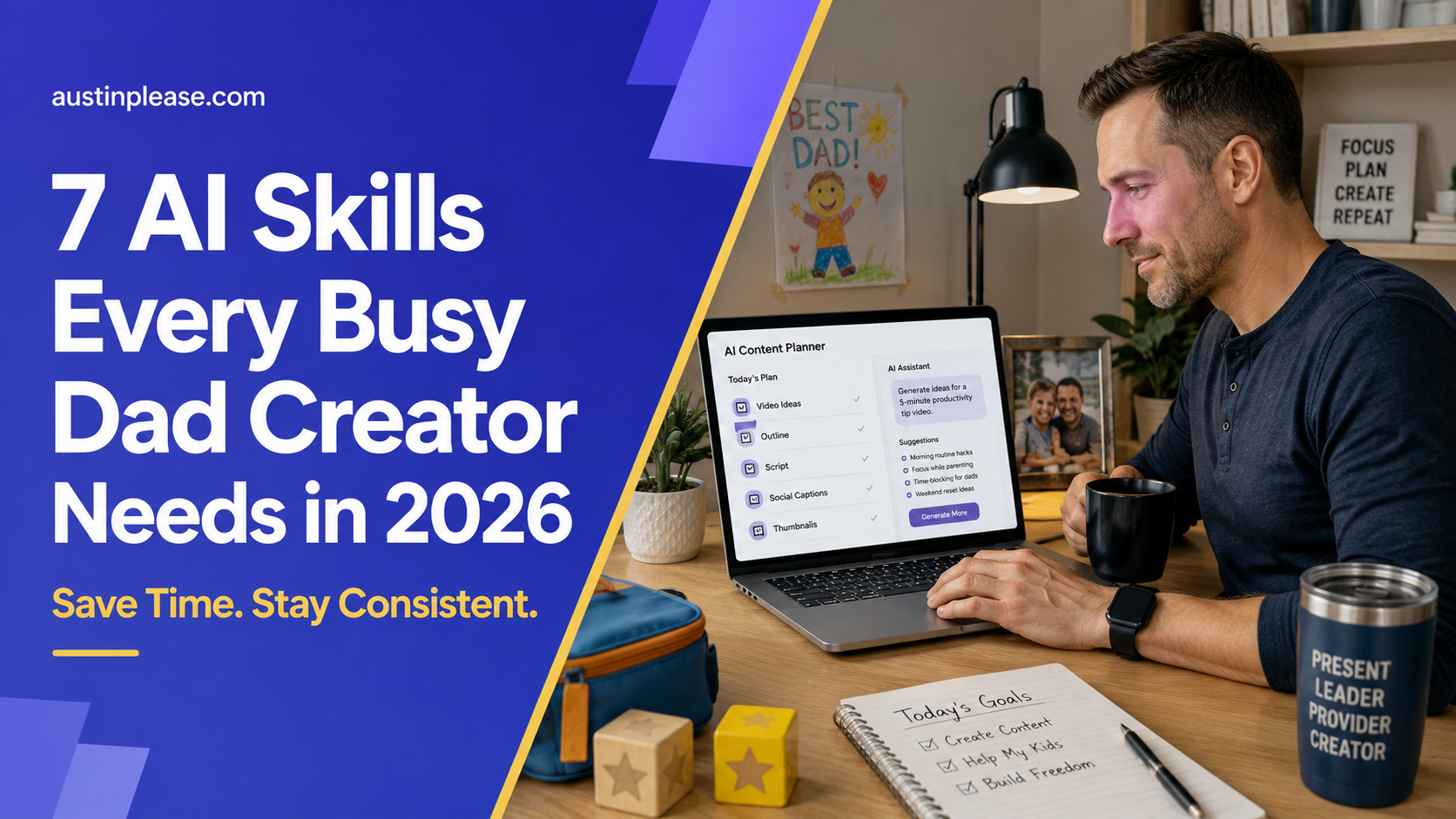
Hey there, fellow busy dad! If you’re a content creator in 2026, you most likely don’t need more AI tools. You need a few AI skills that save you real time every week.
If you’re working a 9–5, handling kids, errands, and squeezing content work in between school runs and late-night edits, another shiny new tool isn’t helpful. You need things that simplify your workflow, not add more clutter or steps to your day.
Here’s the honest problem I see: most people use AI randomly.
They try prompts that don’t match their voice or style and end up feeling awkward. After a week, overwhelm sets in, and they stop not from laziness, but because it never feels repeatable.
AI is only helpful when you have a system. Something you can use again and again without having to “relearn” everything every time you sit down to create.
In this post, I’ll break down the 7 AI skills that actually matter now. They accelerate your process without making your content generic or robotic.
I’ll show you how the AI Creator Course by One Peak Creative helps you build these skills practically and efficiently, eliminating the need to piece together information from scattered late-night searches.
Because if you only have 3–7 hours a week to work on your channel, your course, or your business, these skills are the difference between staying consistent… and burning out halfway through your next upload.
Honestly, your biggest bottleneck usually isn’t filming. It’s the part before that.
It’s sitting down to write… and suddenly you’re staring at a blank doc. You start second-guessing the hook, rewriting the first sentence ten times, and somehow you end up scrolling YouTube “for research” (aka procrastinating with extra steps).
That’s the moment AI should step in.
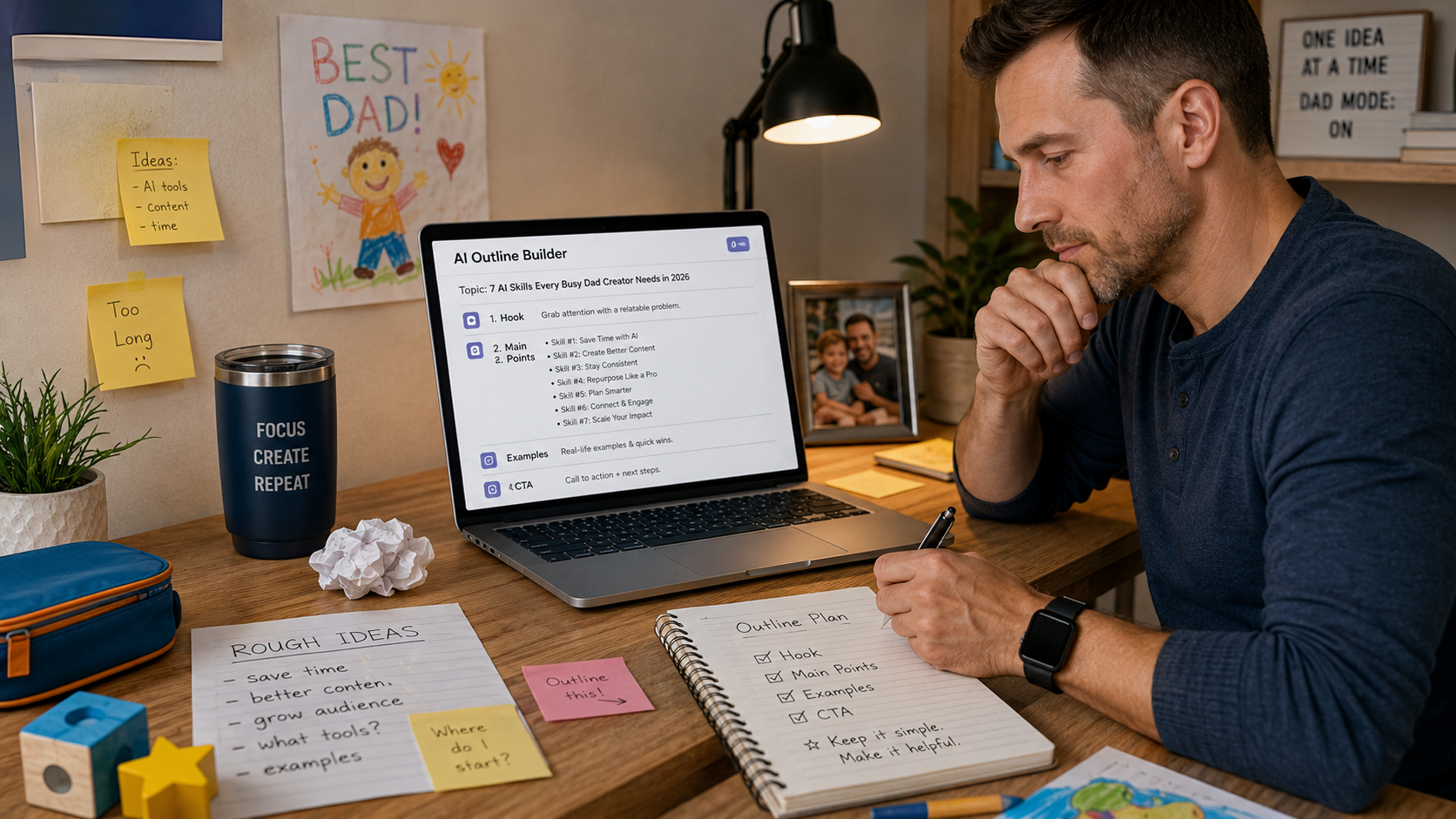
Not to write your whole script for you, but to help you go from vague idea to solid structure in minutes. Because once you have a clean outline, everything else gets easier. The intro, the examples, the flow… it stops feeling like you’re building from scratch.
And here’s the thing about creators who are winning in 2026: they’re not always the smartest. They’re the fastest at outlining.
They can take an idea like “how to grow on YouTube with a full-time job” and instantly turn it into an actual video plan with clear sections, examples people relate to, and a simple CTA at the end. No rambling, no wandering around hoping it turns into something good.
This is one of the most practical things you’ll learn in the AI Creator Course by Content Creator. The course demonstrates how to let AI handle structure and flow, so you consistently turn raw ideas into polished outlines, giving you back more creative energy for your unique perspective.
You’ll learn how to:
And if you’re a busy parent or a part-time creator, I’ll be blunt, this skill alone can save you hours every week. Like, the difference between actually getting a video done… versus letting it sit half-finished in your drafts forever.
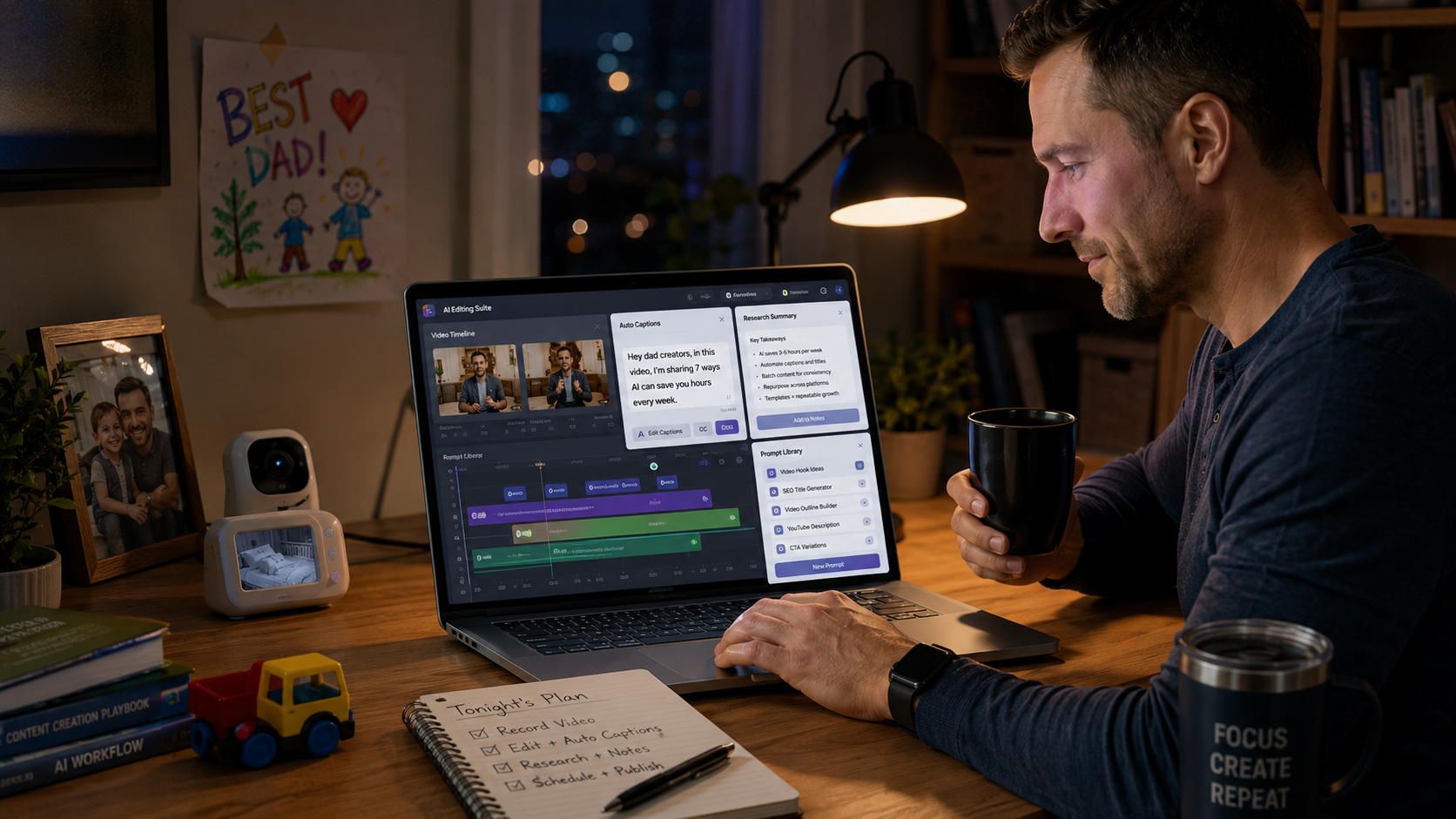
Hooks are honestly harder than they’ve ever been. People scroll like their thumb is training for the Olympics, attention spans are shorter, and well… most AI hooks sound like the same five lines in a different hoodie.
That’s why the real AI skill in 2026 isn’t just typing “write me a hook.”
It’s knowing how to give AI the right context so it can write hooks that sound like you, not like a random internet template.
Because a good hook has a job to do, and it has to do it fast.
Here’s what I’ve found works (and what I look for every time):
And the reason I like how the AI Creator Course teaches hooks is that it’s structured. You’re not just sitting there hoping AI suddenly becomes a genius overnight. You’re using a framework that gives you scroll-stopping intros consistently, even when you’re tired, busy, or creating on the fly.
So instead of generic stuff like:
“Want to grow your channel fast?”
…you’ll be able to create hooks that actually hit home, like:
“You don’t need more time to grow on YouTube. You need a system that works in 30-minute pockets between meetings, bedtime, and real life.”
That’s the difference.
AI can absolutely become a hook machine, but only when you give it the right inputs and rules. Otherwise, it’ll keep handing you the same recycled lines and acting proud of itself.
This is where creators save the most time, and honestly, it’s why these “infinite content” systems are everywhere now.
In 2026, you can’t afford to create everything from scratch. If you’re part-time, you need a system that fits real life. Not a “make 30 pieces every week” fantasy. Instead, an Infinite Content Engine lets one good video fuel your week.
This is where AI is actually useful.
It helps you take one long-form video and break it down into:
But here’s the catch (because there’s always a catch): repurposing isn’t just copy-paste.
If you dump your YouTube script into AI and say, “make this into 10 posts,” you’ll get content that technically exists, but it won’t fit the platform.
It’ll feel off: too long for Threads, too stiff for Shorts, too generic for a carousel. Then you’re back to editing everything manually.
What sets the AI Creator Course apart is that it teaches repurposing as a clear, step-by-step process. You’ll walk away with prompt templates and actionable workflows that help you efficiently customize content for every platform you use.
You’re building reusable prompt templates, so repurposing becomes a checklist rather than a creative struggle every time.
And that’s the dream when you’re busy.
Like, if you film one solid 10-minute video on Sunday, you can spin it into a full week of content in one evening session… even if you’re running on low energy and your kid is having a dramatic meltdown in the next room.
Scriptwriting in 2026 is way more about pacing than perfection.
The creators who grow consistently aren’t sitting there trying to write these fancy, cinematic scripts. They’re writing scripts that keep people watching. And most of the time, the difference is simple: they have structure.
A strong script usually has a few key pieces:
This is where frameworks like H.I.V.E.S scripting come in: hook, interest, value, engagement, summary. It’s basically a way to keep your video moving without overthinking every line. And when you’re short on time, that matters a lot.
AI can help a ton here, but only if you know how to guide it. Otherwise, it’ll spit out these long, bloated paragraphs that sound like a school essay.
You know the kind. Technically correct… and kind of painful to say out loud on camera.
What I like about the AI Creator Course is that it teaches you how to use AI to speed up scripting while still keeping it human. You’re not turning into a robot.
You’re just getting help with the heavy lifting, so your personality, stories, and actual opinions stay front and center.
And if you’ve ever hit record and felt like you were rambling your way through the video, this skill fixes that fast.

Editing is where most creators lose momentum.
You finally film something you feel good about… and then it just sits on your hard drive for two weeks because you can’t bring yourself to open the editing timeline after work. Or you try to push through, get 40 minutes in, and your brain fully taps out.
That’s why in 2026, AI-assisted editing is basically a requirement if you want to stay consistent with limited time. Not because you have to use fancy tech, but because the old way of editing everything manually is just too slow when life is busy.
The good AI tools can handle a bunch of the repetitive stuff, like:
But here’s the real skill: it’s not knowing every tool on the market.
It’s choosing one simple editing setup and actually sticking with it.
Because the worst thing you can do is keep switching tools every couple of weeks, constantly re-learning workflows, and never feeling like you’ve got your system locked in. That’s how editing turns into this draining, never-ending project.
This is one of the things I like about the AI Creator Course: it focuses on practical tools and workflows creators use regularly.
Instead of chasing trends, the course teaches one streamlined workflow creators can rely on every week, minimizing mental friction and saving time.
If your goal is saving time, the best move you can make is to cut down on your editing steps, then let AI handle the repetitive parts you were never excited to do in the first place.
Research can quietly eat your entire week if you’re not careful.
You open YouTube to “see what’s working”… and next thing you know, you’re two hours deep watching someone else’s content, feeling behind, and now you’re too drained to make your own. It’s not even that you were wasting time on purpose. It just happens fast.
That’s why AI research needs to be quick and targeted. The real skill is turning AI into your assistant, not your distraction.
In 2026, smart creators use AI to:
The AI Creator Course helps you build a research workflow that’s simple enough to actually stick to. The goal is basically:
And this is huge if you only have 3–7 hours a week to create. You don’t have time to “learn everything” or go down research rabbit holes. You just need enough clarity to hit record with confidence and finish the video.
This is the skill that makes everything else actually work.
Most people treat prompts like one-off commands. Like you open ChatGPT, type something random, hope it works, then start over next time. But in 2026, the creators who move fast aren’t “better at prompting” in a clever way. They’re just using prompt templates like assets.
They’ve got saved prompts for things like:
And that’s how you stop starting from zero every week.
What the AI Creator Course does well here is help you build a personal prompt library that actually fits your style and content goals. Not a bunch of generic templates that sound good in theory but don’t match the way you talk or teach.
Because the truth is, AI gets fun when it’s predictable.
When you can open a doc, run your template, and get 80 percent of the work done in 10 minutes, that’s when you actually stick with it.
That’s when it stops feeling overwhelming and starts feeling like a real tool you can rely on.
This is probably the biggest objection, and honestly… It’s a fair one.
You can learn a lot for free. There are solid prompts on YouTube, Twitter threads, newsletters, random tutorials, and even free templates floating around everywhere.
The problem is it’s all scattered. And most of it doesn’t fit your workflow, your niche, or the way you actually create content week to week. So you end up collecting tips instead of building a system.
If you’re already motivated and you genuinely have extra time to experiment, free content might be enough. You can piece it together, test things, and eventually land on what works.
But if you’re busy, the real value of a course is speed and structure.
The AI Creator Course by Content Creator is built for creators who want real-time savings, not just “cool AI tricks.” It focuses on the tools creators actually use, as well as the systems that make those tools useful week after week.
And that matters because it usually leads to the stuff you actually want:
Less guessing. Fewer abandoned tools. More finished content.
You don’t need to master every AI tool in 2026. You just need to master a small set of skills that remove friction from your process.
Because when you think about it, that’s what we’re all chasing: less time wasted, less mental drain, and more content actually getting finished.
If you can outline faster, write better hooks, repurpose smarter, script with retention in mind, edit quicker, research efficiently, and build prompt templates you can reuse… you’ll create more with way less stress.
And if you want a guided path to all of that, the AI Creator Course is a solid option. Especially if your life is busy, your time is limited, and you’re tired of feeling like you’re always behind, no matter how hard you try.
If you want the biggest win this year, keep it simple: pick one of these skills and build it into your weekly workflow. That’s how creators grow when they don’t have unlimited time.
Disclosure: I may receive affiliate compensation for some of the links below at no cost to you if you decide to purchase a paid plan. You can read our affiliate disclosure in our privacy policy. This site is not intending to provide financial advice. This is for entertainment only.


